Imran Al Mamun
iPhone Apple Store App Download from Google
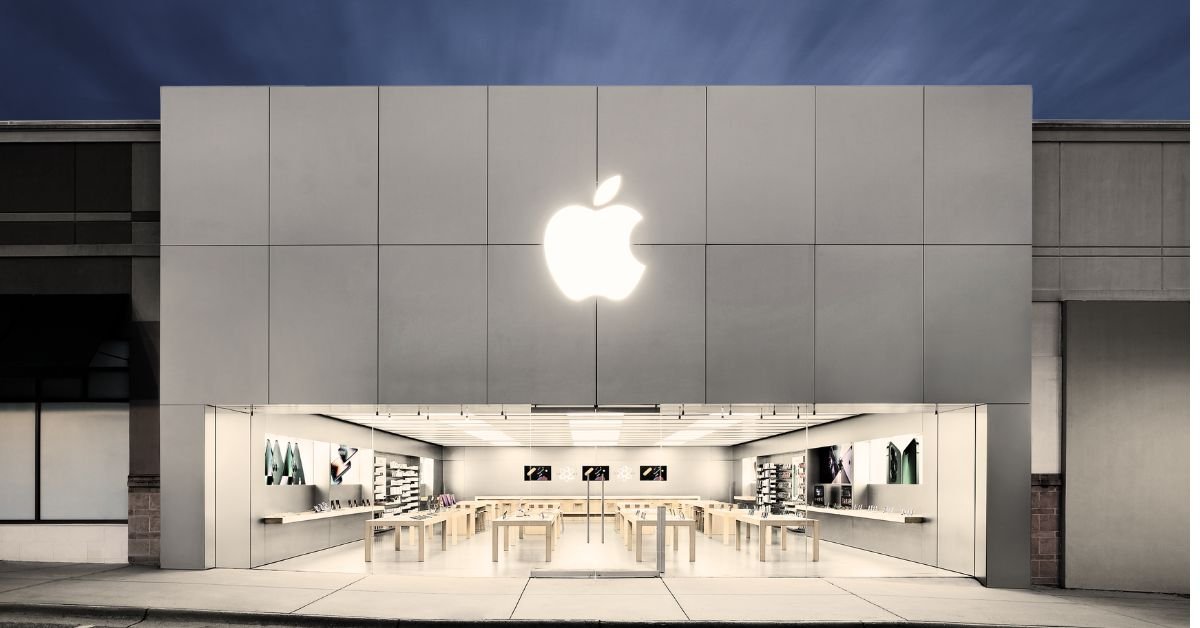
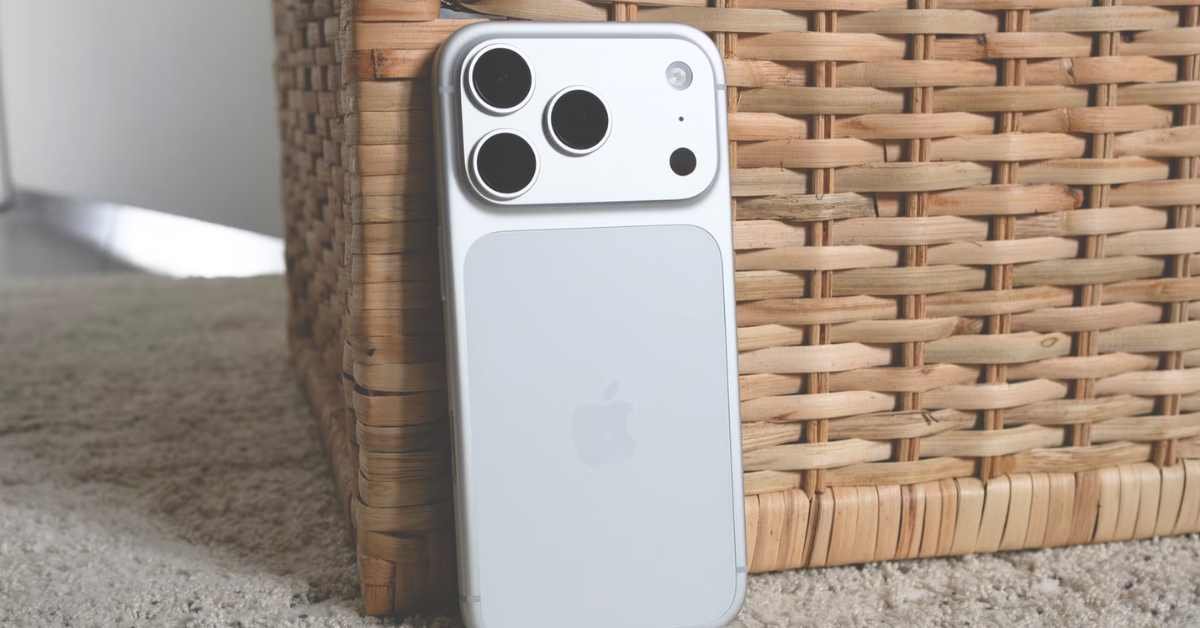
Searching for iphone apple store app download from google is common among users trying to restore a missing App Store on an iPhone or Android users attempting to run iOS apps on an Android phone. Because Apple and Google operate distinct operating systems (iOS and Android), understanding how official app installations work across platforms helps you safely access apps without risking malware.
Understanding the Reality - iOS vs. Android Ecosystems
-
On iPhone (iOS): The Apple App Store is a core system application built directly into iOS. It is not distributed as an external file or downloadable link from the Google Play Store or Google Search. If it goes missing, it is simply hidden in your App Library or restricted by Screen Time settings.
-
On Android Devices: You cannot install the official Apple App Store on Android. Third-party websites offering "Apple Store APKs" or "iOS App Store for Android" are simulations or potentially harmful software packages that cannot execute native iOS applications.
-
Official Apple Apps on Google Play: Apple officially publishes specific individual apps on the Google Play Store for Android users, including Apple Music, Apple TV, Move to iOS, Apple Music Classical, and Tracker Detect.
How to Restore a Missing App Store on Your iPhone
If you cannot find the App Store icon on your iPhone, you do not need to download anything from Google. Follow these steps to restore access:
-
Check the iOS App Library: Swipe left past your last home screen page until you reach the App Library. Type "App Store" in the search bar. Tap and hold the icon, then drag it back onto your Home Screen.
-
Check Screen Time Restrictions:
-
Open Settings $\rightarrow$ tap Screen Time.
-
Select Content & Privacy Restrictions $\rightarrow$ tap iTunes & App Store Purchases.
-
Under "Installing Apps", ensure the setting is marked as Allow.
-
-
Use Spotlight Search: Swipe down from the center of your Home Screen, type
App Store, and tap the application icon when it appears. -
Reset Home Screen Layout: Go to Settings $\rightarrow$ General $\rightarrow$ Transfer or Reset iPhone $\rightarrow$ Reset $\rightarrow$ Reset Home Screen Layout. This restores all native Apple app icons to their default positions.
Official Apple Services Available on Google Play for Android
| Official Apple App | Availability on Google Play | Functionality |
| Apple Music | Yes (Official by Apple) | Stream Apple Music lossless audio and playlists on Android |
| Apple TV | Yes (Official by Apple) | Watch Apple TV+ originals and MLS Season Pass |
| Move to iOS | Yes (Official by Apple) | Transfer contacts, messages, and photos from Android to iPhone |
| Apple Music Classical | Yes (Official by Apple) | Dedicated classical music streaming database |
| Tracker Detect | Yes (Official by Apple) | Scan for nearby unauthorized Apple AirTags |
| Apple App Store (Full) | No (iOS Exclusive) | Cannot run iOS software on Android hardware |
Security Risks of Downloading "App Store APKs" from Google
-
Malware and Spyware: APK files claiming to be the "Apple App Store for Android" frequently bundle adware, keyloggers, or unauthorized subscription scripts.
-
Phishing Scams: Rogue applications often present fake Apple ID login interfaces designed to harvest your Apple Account credentials and two-factor codes.
-
Incompatible Architecture: iOS apps are compiled for Apple frameworks (Cocoa Touch, Swift, Objective-C), which cannot run natively inside the Android runtime environment.
Frequently Asked Questions (FAQ)
Can I download the Apple App Store on an Android phone from Google?
No. The Apple App Store is exclusively engineered for iOS, iPadOS, and macOS devices. Android devices cannot run the App Store or native iOS applications.
How do I get the App Store back on my iPhone if it is deleted?
The App Store cannot be permanently uninstalled from an iPhone. If it is missing, check your App Library, reset your Home Screen layout under Settings > General > Reset, or check for restrictions under Screen Time > Content & Privacy Restrictions.
Which official Apple apps can I download from the Google Play Store?
Apple officially provides Apple Music, Apple TV, Move to iOS, Apple Music Classical, and Tracker Detect for Android devices directly via the Google Play Store.
Is there any safe way to run iPhone apps on Android?
No. There are no reliable or secure emulators that allow Android smartphones to run native iOS App Store applications.








- SSC Exam Result check 2026 Bangladesh
- NU Degree Result 2026 Bangladesh: Full Guide
- India Tourist Visa for Bangladeshis Resumes From May 6
- Flipkart Freedom Sale & Big Billion Days 2026
- Eid al Fitr 2026 UAE Dates Confirmed and Expected Globally
- Cleaner Job Circular 2026 Saudi Arabia Latest Hiring Update
- Malaysia Calling Visa 2026: Policy Updates, Application Process
- Dubai-bound flight catches fire after taking off from Nepal
- Turkey`s homegrown 5th-generation fighter jet named KAAN
- Shihab Chottur reaches Makkah from India in 12 months