Md. Al Amin
How to Pair Apple Watch to New iPhone
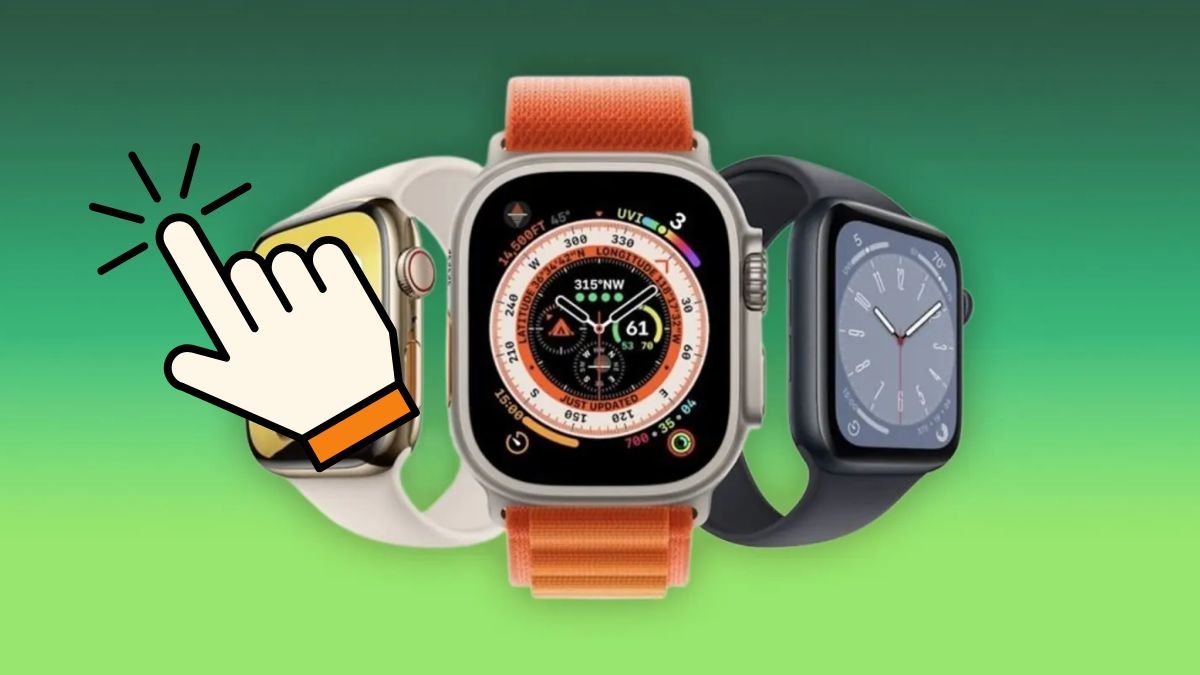
How to Pair an Apple Watch to a New iPhone
Getting a new iPhone doesn't mean you need to start over with your Apple Watch. You can usually move your existing watch to the new iPhone while keeping your apps, settings, activity data and other information.
The process is slightly different depending on whether you still have your old iPhone.
Before You Start
Before pairing your Apple Watch with the new iPhone, make sure:
- Your Apple Watch and new iPhone are charged.
- Your new iPhone is updated to a compatible version of iOS.
- You know your Apple Account password.
- Bluetooth and Wi-Fi are enabled on the new iPhone.
- Your old iPhone is available if you're transferring from it.
If you have your old iPhone, don't erase it yet.
How to Pair Apple Watch With a New iPhone Using Your Old iPhone
This is generally the easiest method if you still have your previous phone.
1. Update Your Old iPhone and Apple Watch
Make sure the old iPhone and Apple Watch are running compatible software.
You can check for iPhone updates under:
Settings → General → Software Update
For the Apple Watch, open the Watch app and check:
Watch → General → Software Update
2. Back Up Your Old iPhone
Your Apple Watch data is included in an iPhone backup when the watch is properly paired.
Back up your old iPhone using iCloud or a computer before switching devices.
3. Set Up the New iPhone
Turn on the new iPhone and follow the setup instructions.
When prompted, restore your information from your previous iPhone backup or use Apple's direct transfer process.
4. Open the Watch App
After setting up the new iPhone, open the Watch app.
If your Apple Watch appears, follow the instructions to complete the transfer.
If it asks you to start pairing, bring the Apple Watch close to the new iPhone and follow the on-screen instructions.
5. Restore the Watch From Backup
If prompted, choose the most recent Apple Watch backup.
This can restore supported watch settings and data to the new iPhone.
How to Pair an Apple Watch If You No Longer Have Your Old iPhone
If your old iPhone has been lost, damaged or already erased, you can still pair the watch with a new iPhone.
However, you may need to erase the Apple Watch first.
Erase the Apple Watch
On the watch, go to:
Settings → General → Reset → Erase All Content and Settings
The exact wording may vary depending on your watchOS version.
If the watch has cellular service, you'll be asked whether you want to keep or remove the cellular plan. If you're continuing to use the same watch with the same carrier, keeping the plan may be appropriate.
Pair It With the New iPhone
After the watch has been erased:
- Turn on the Apple Watch.
- Bring it close to the new iPhone.
- Wait for the pairing prompt.
- Tap Continue.
- Choose Set Up for Myself when prompted.
- Follow the instructions on both devices.
You may also open the Watch app manually and choose Pair New Watch.
What If the New iPhone Doesn't Detect the Apple Watch?
Try these steps:
Keep the Devices Close Together
Place the Apple Watch and iPhone next to each other during setup.
Check Bluetooth and Wi-Fi
On the iPhone, make sure Bluetooth and Wi-Fi are enabled.
Restart Both Devices
Restart the iPhone and Apple Watch, then try pairing again.
Check Software Compatibility
An outdated iOS or watchOS version can prevent pairing.
Update the devices if possible.
What If the Apple Watch Is Already Paired With Another iPhone?
An Apple Watch can normally be paired with one iPhone at a time.
If it's still associated with your old iPhone and you have access to it, opening the Watch app on the old iPhone and following the process to unpair the watch can make the transition easier.
Unpairing also creates a backup of the watch that can be used when setting it up with the new iPhone.
Apple Watch Activation Lock
If you erase an Apple Watch without properly removing it from the previous Apple Account, Activation Lock may remain enabled.
You will need the Apple Account credentials associated with the watch to complete the setup.
This security feature helps prevent someone else from using a lost or stolen Apple Watch.
Will You Lose Your Apple Watch Data?
Not necessarily.
If you transfer the watch correctly and restore from an available backup, much of your previous watch information and settings can be restored.
However, the exact information restored depends on Apple's backup and synchronization systems and the type of data involved.
It's best to back up your old iPhone before starting the transfer.
What About Apple Watch Cellular Service?
If you have a cellular Apple Watch, check the cellular plan during setup.
Depending on your carrier and circumstances, you may be able to transfer or reactivate the existing cellular plan on the new iPhone.
If the plan doesn't transfer automatically, contact your carrier for assistance.
Frequently Asked Questions
Can I pair my existing Apple Watch with a new iPhone?
Yes. You can transfer an Apple Watch to a new compatible iPhone using the Watch app and Apple's setup process.
Do I need to reset my Apple Watch?
Not always. If you're transferring from your old iPhone and follow the proper migration process, the watch may be transferred without manually erasing it first.
If you no longer have access to the old iPhone, erasing the watch may be necessary before pairing it with the new device.
Why won't my Apple Watch connect to my new iPhone?
Possible causes include incompatible software, Bluetooth or Wi-Fi problems, the watch still being paired with the old iPhone, or Activation Lock.
Can I pair an Apple Watch without my old iPhone?
Yes. If necessary, erase the Apple Watch and pair it with the new iPhone. You may need the Apple Account credentials associated with the watch.
Will I lose my Apple Watch activity data?
If your health and activity information has been synchronized and you restore from the appropriate backup, much of your information can be recovered. Back up the old iPhone before switching whenever possible.
Final Thoughts
The easiest way to pair an Apple Watch with a new iPhone is to keep the old iPhone available, back it up, set up the new iPhone and then use the Watch app to transfer the watch.
If the old iPhone is unavailable, you can erase the Apple Watch and pair it directly with the new iPhone. Just make sure you know the Apple Account credentials associated with the watch before starting.







- 32 megapixel camera new phone Tecno Spark 10 Pro
- AI in Bangladesh: Unlocking Potential Amid Challenges
- Google Bard now in Bangladesh
- Samsung Galaxy A54 5G: A perfect price fit!
- Refreshing only increases the speed of the computer?
- Elon Musk`s SpaceX hires 14-year-old Bangladeshi-American Kairan
- Emerging Tech Innovations 2025: The Future is Here
- Tottering from Twitter to Threads
- Spotify tests voice translation feature for podcasts
- How Afraid Should We Be of Artificial Intelligence?